01
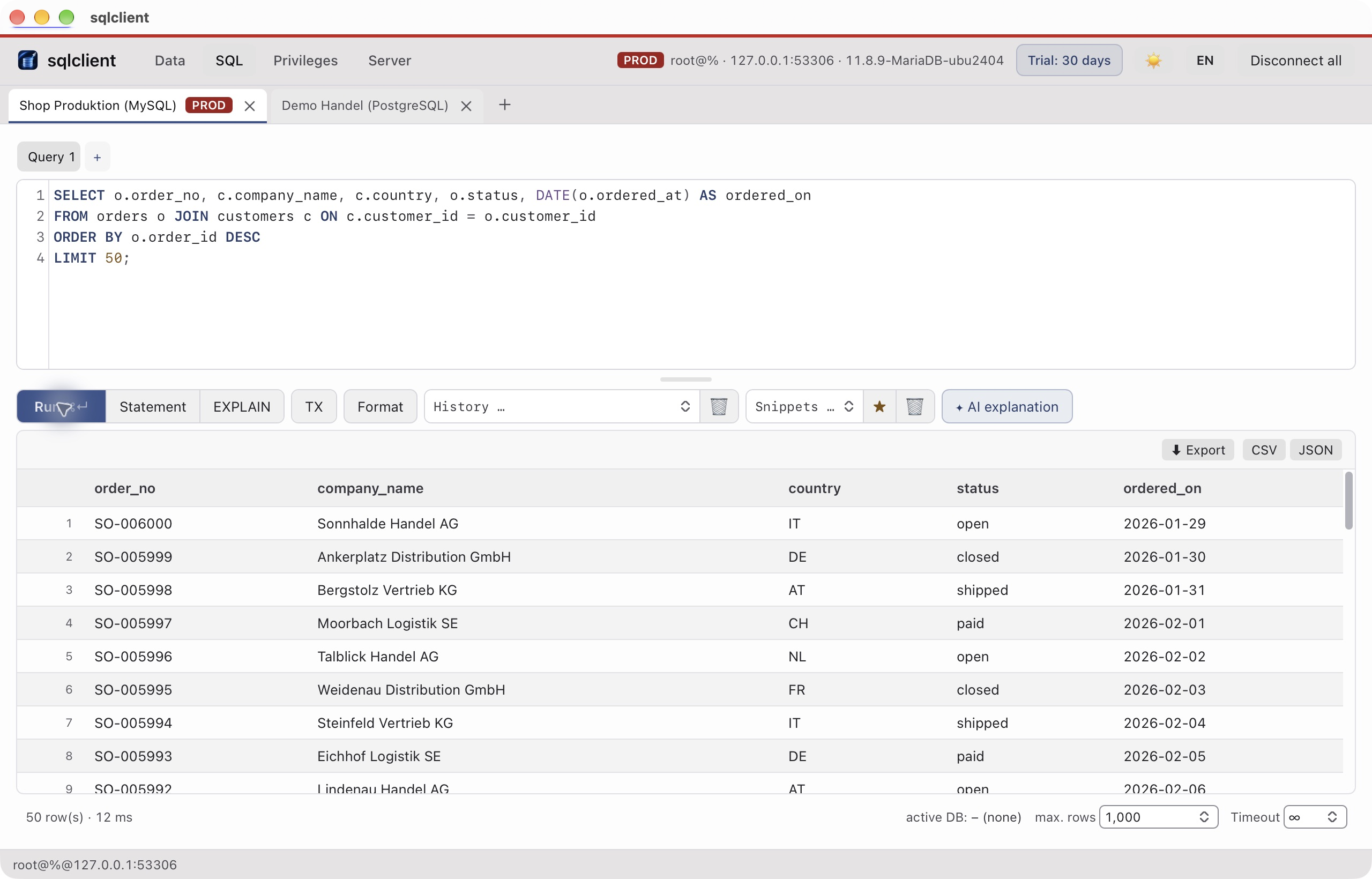
Open a connection
Choose the engine and saved profile. Check the host, database and permissions before working.
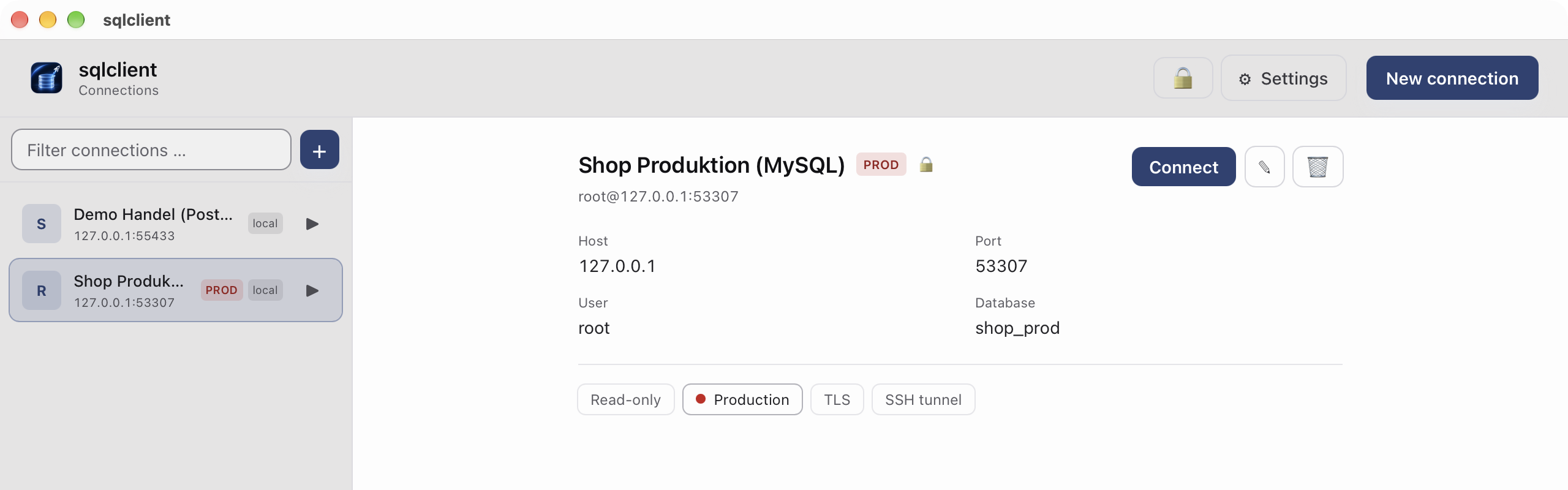
Write SQL, inspect results, edit table data and export it for your next task — with MySQL, MariaDB, PostgreSQL and SQL Server. SQLite is free to use.
30 days of everything, then reading stays free. Writing from €149 a year, all five engines from €329.
Subscription with Datargo, paid via Stripe. The last paid version stays writable.
sqlclient runs on macOS. Send it to your Mac via AirDrop, Mail or Notes and download it there.
Choose the engine and saved profile. Check the host, database and permissions before working.
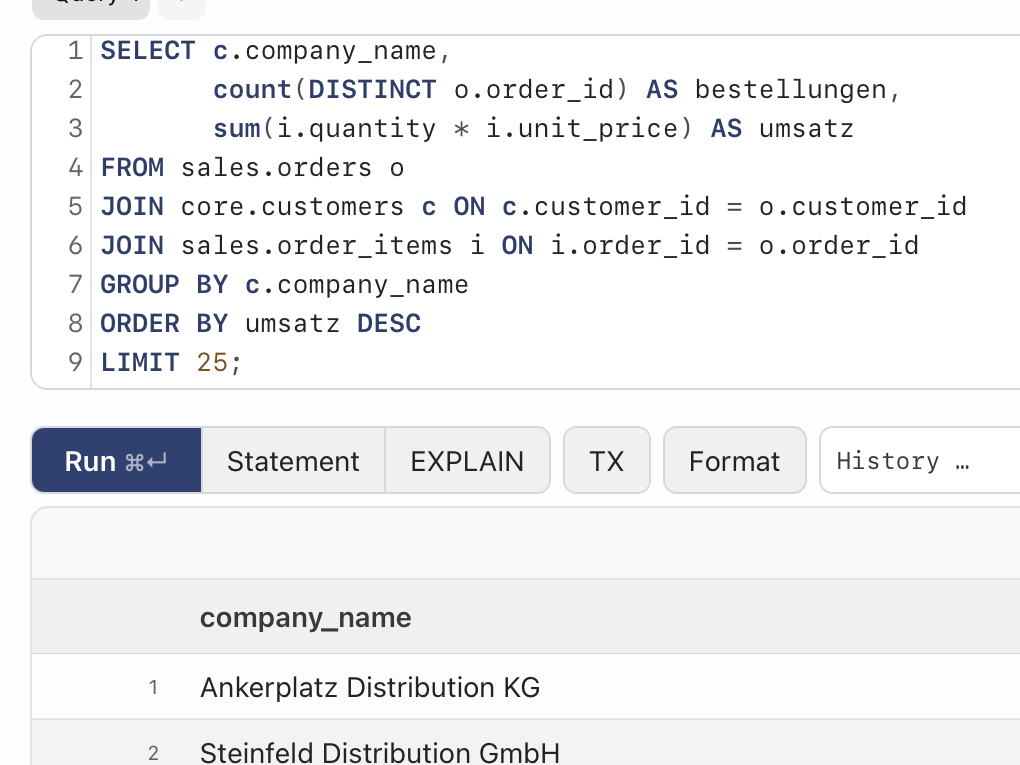
Write SQL with syntax highlighting and Control+Space completion. Run the relevant statement and inspect its results.
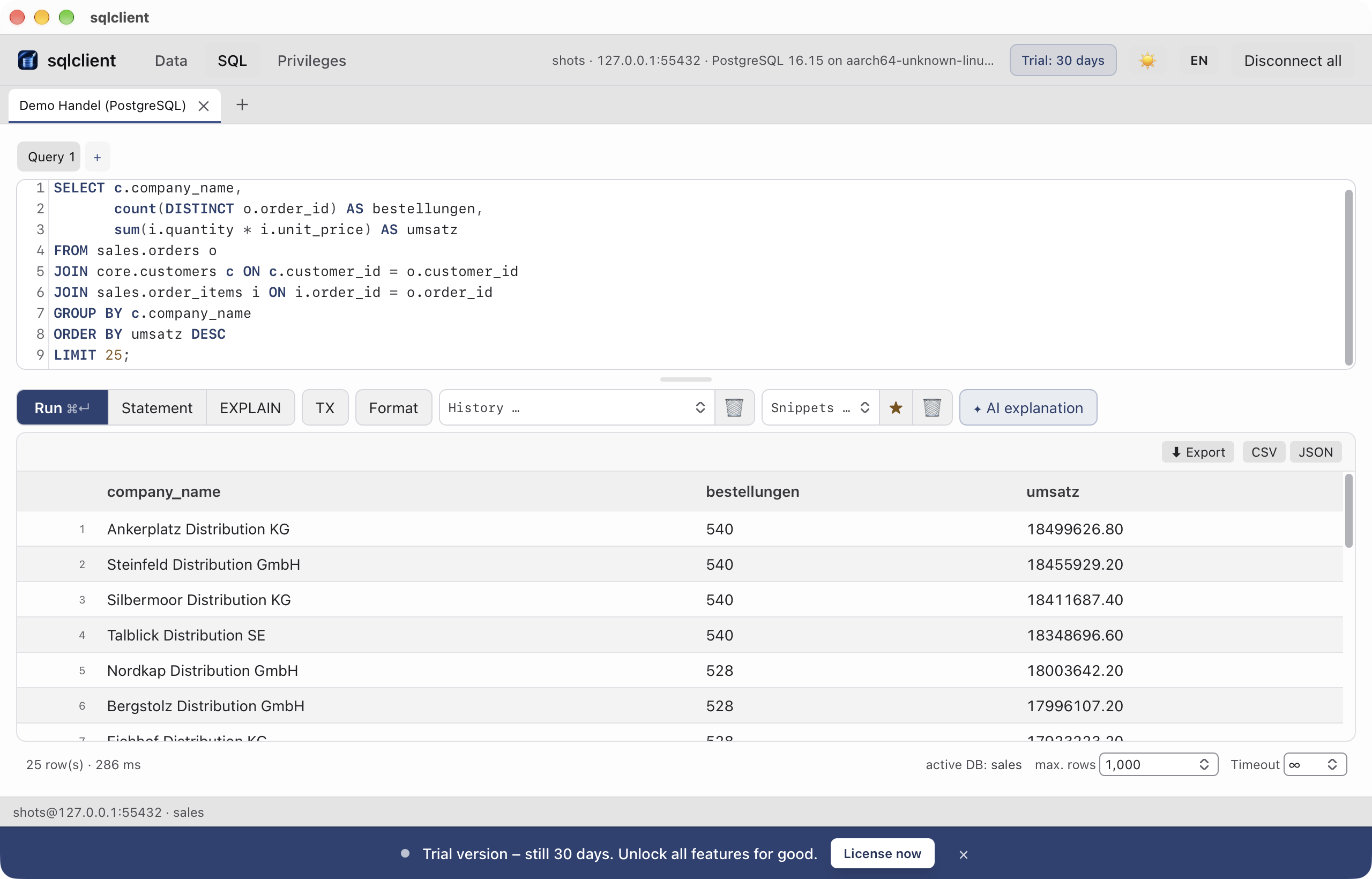
Open the source table to make a correction. Edit a cell, review pending changes and then save. A query result is not automatically editable.
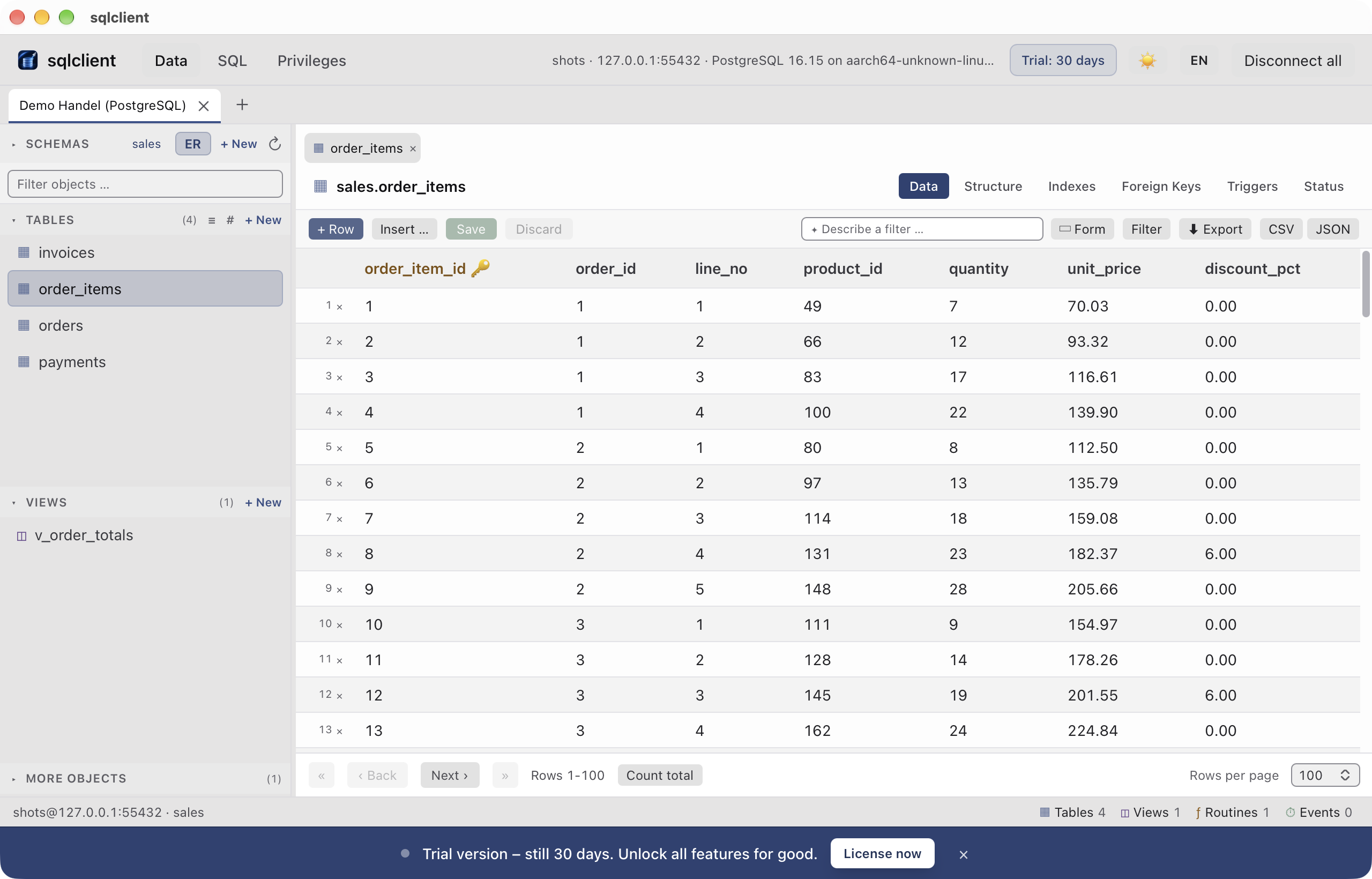
Export loaded results as Excel, CSV or JSON. Reading and export stay free after the trial. Writes require the matching engine licence; SQLite stays free.
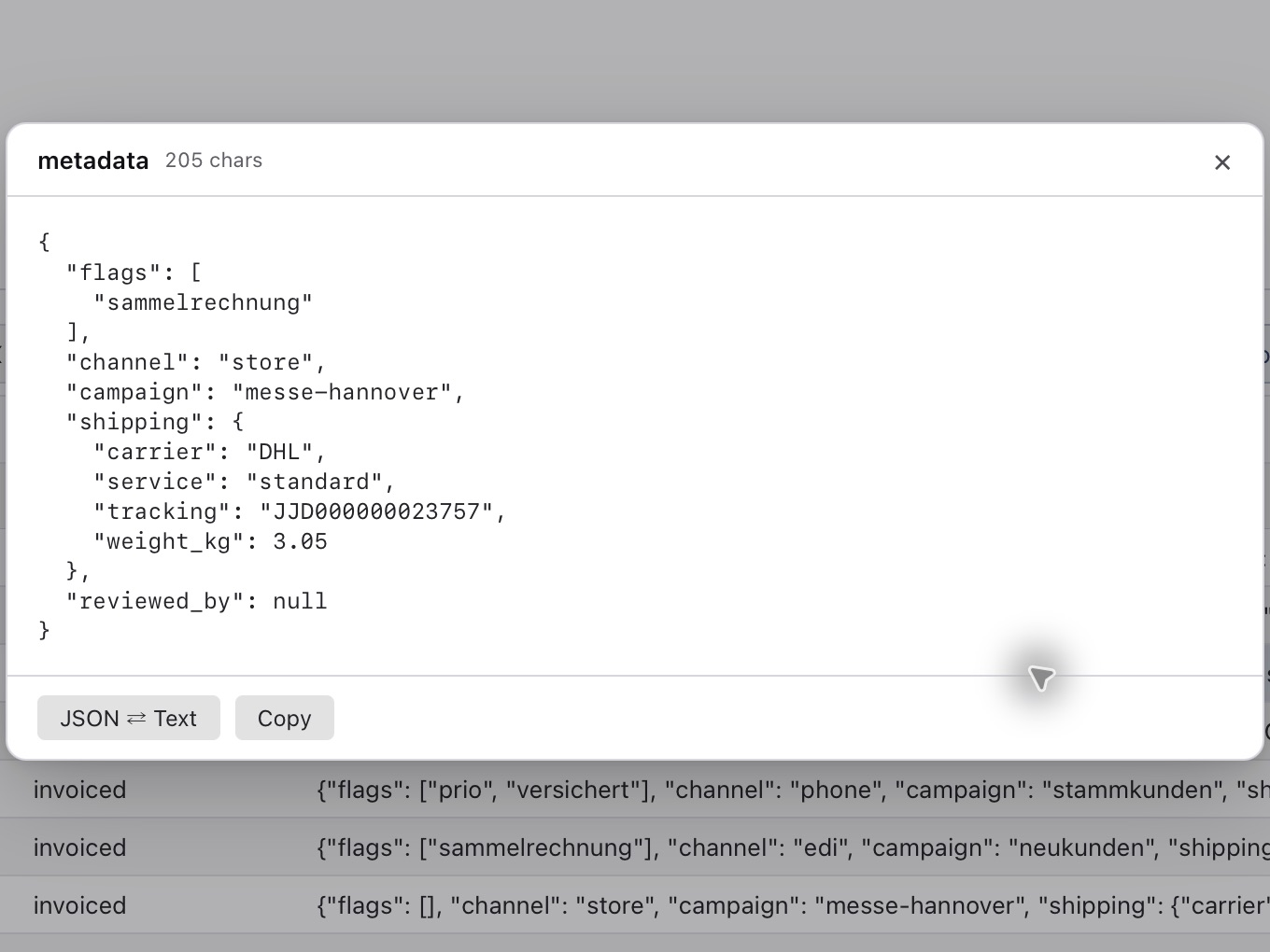
Original captures from sample projects: a MySQL connection and PostgreSQL query/data grid. These are not a continuous recording of an edit. Operate is shown; features depend on plan and macOS.
Query and edit data across five database engines. Manage privileges in MySQL, MariaDB and PostgreSQL. The Server tab supports MySQL and MariaDB from Operate. Production safeguards are included in every plan.
On-device AI
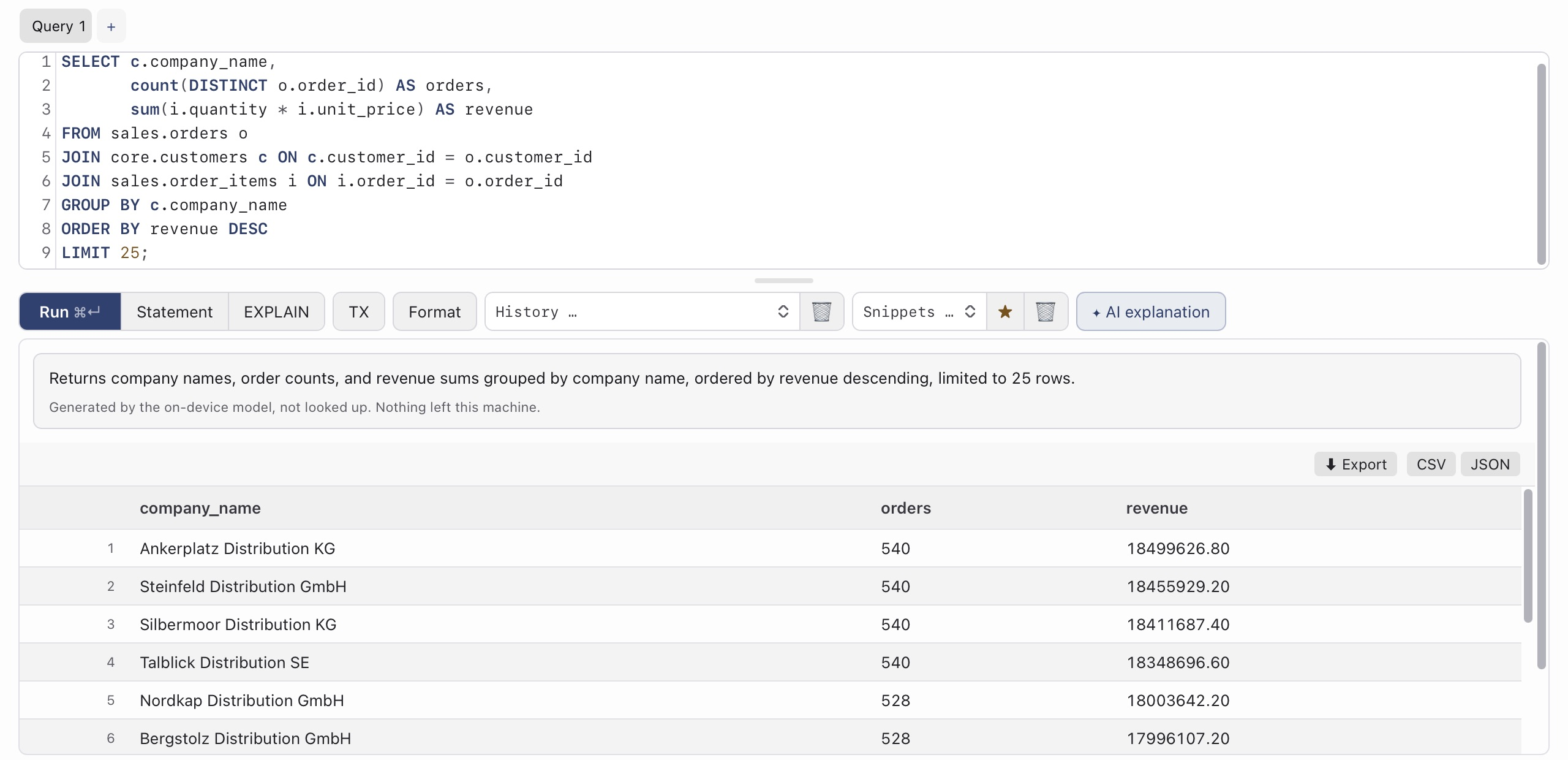
sqlclient explains error messages in plain language, describes a query in words, reads execution plans and turns a sentence into a filter. It runs on Apple’s on-device model: no cloud, no account, no data going out.
Answers from the model are labelled as such; the most common errors are explained by a fixed rule table instead of the model. Requires macOS 26 on Apple silicon with Apple Intelligence turned on.
Credentials, queries and results stay on your device, encrypted. The app sends no usage data. There are two outbound calls, both listed here.
Try everything for 30 days, then read for free. Writing from €149 a year. With a direct purchase, the last paid version stays writable, including the engines you paid for.
Studio
€299
per year, incl. 19 % VAT (Germany)
5 writing seats · 10 saved servers · iCloud sync
Buy directOperate
€689
per year, incl. 19 % VAT (Germany)
15 writing seats · unlimited servers · server tab (process list, locks, kill)
Buy directReading, browsing and exporting stay free on every supported database. SQLite also stays free for writing, forever. After the trial, writing to MySQL/MariaDB, PostgreSQL or SQL Server requires the appropriate licence. This includes cell edits, INSERT, UPDATE, DELETE, schema changes, import and restore.
Both engines have their own drivers and their own test infrastructure, which we maintain separately. If you only need MySQL, MariaDB or SQLite, you do not pay for them.
Two calls, nothing else: the update check (version number only, can be switched off) and once a day a hashed device ID for the seat count (no name, no hosts, no queries). Without a network the app keeps writing until the end of the paid term; the licence is signed offline.
Enter the licence key from the purchase e-mail, done. Remove the old Mac in your account and it stops counting straight away; otherwise it drops out by itself after 30 days without writing.
Two Macs that wrote within the last 30 days are two seats. If more Macs are active than seats, the app warns for 14 days; after that the licence switches to reading on every Mac until you remove a device in your account or add a seat. Solo has exactly one seat; two writing Macs need Studio. Extra seat from Studio: €70.21 a year incl. VAT.
A connection profile: host, port, user. Solo holds five, Studio ten, Operate and up unlimited. More profiles than your plan allows: the app tells you, existing connections keep working.
Yes, at the end of the yearly period, with one click in your account on sqlclient.eu; sign-in is an e-mail link, no password. App Store subscriptions are cancelled in the Apple subscriptions on your Mac. There is no account inside the app. With a direct purchase the last paid version stays writable for good; an App Store subscription ends when you cancel.
Online via Stripe; checkout shows the available payment methods before you buy. From Operate also on invoice with 14 days to pay. The statutory right of withdrawal applies; the notice and form come with the contract confirmation.
30 days of the full version, no credit card. After that you keep reading for free.
sqlclient runs on macOS. Send it to your Mac via AirDrop, Mail or Notes and download it there.
Direct: the last paid version stays writable. App Store: subscription through Apple, ends when you cancel.
Or in the terminal:
curl -fsSL https://dl.sqlclient.eu/sqlclient/install.sh | shWith Homebrew:
brew install --cask datargo/sqlclient/sqlclient