Features
Data, SQL, privileges, server.
In one window.
Query and edit data across five database engines. Manage privileges in MySQL, MariaDB and PostgreSQL. The Server tab supports MySQL and MariaDB from Operate. Production safeguards are included in every plan.
Connect, no detours.
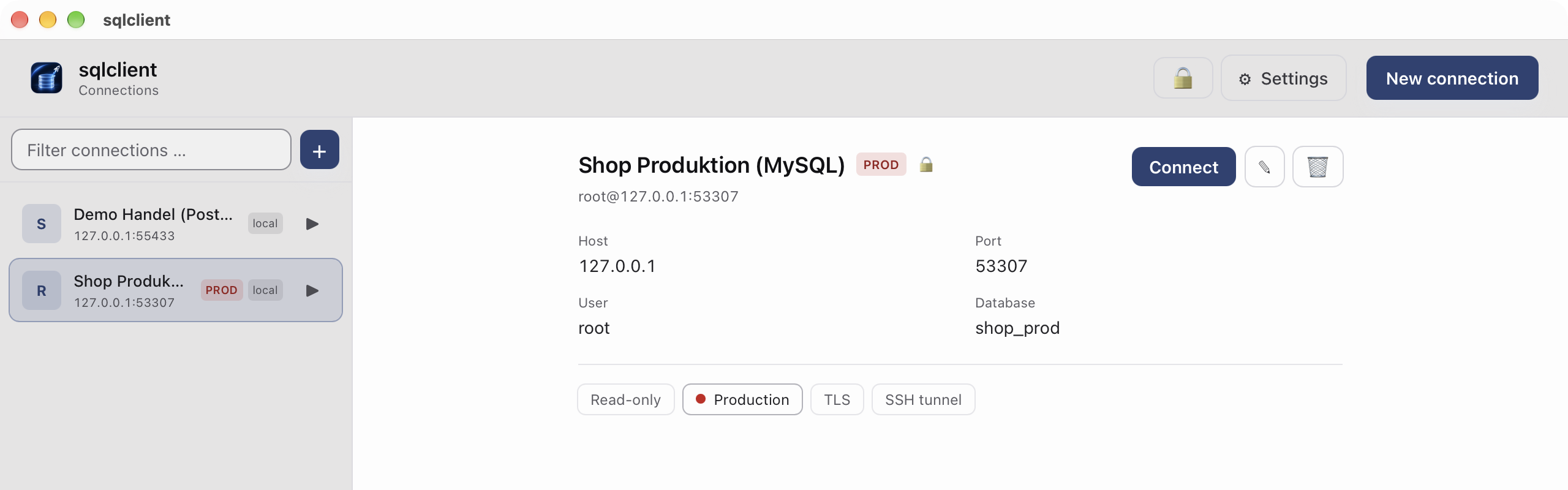
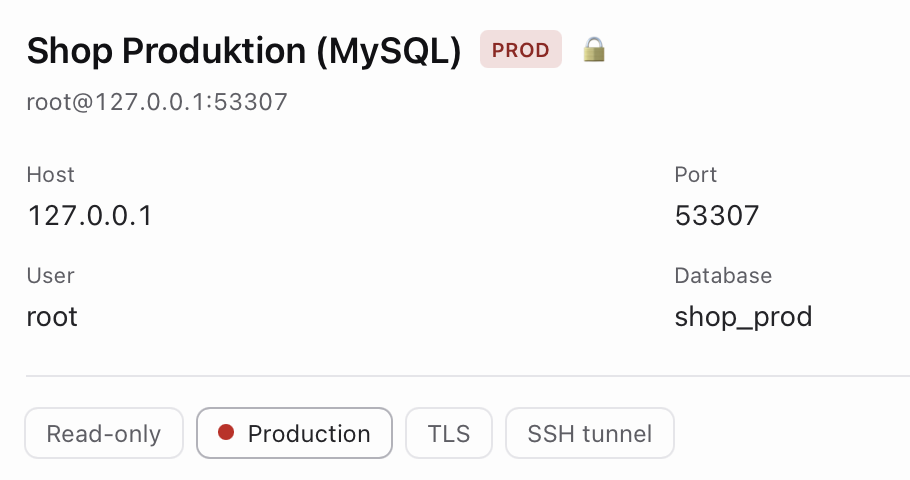
SSH tunnel without an external ssh, also via a bastion host. TLS. Open connections stay open.
The console that stops.
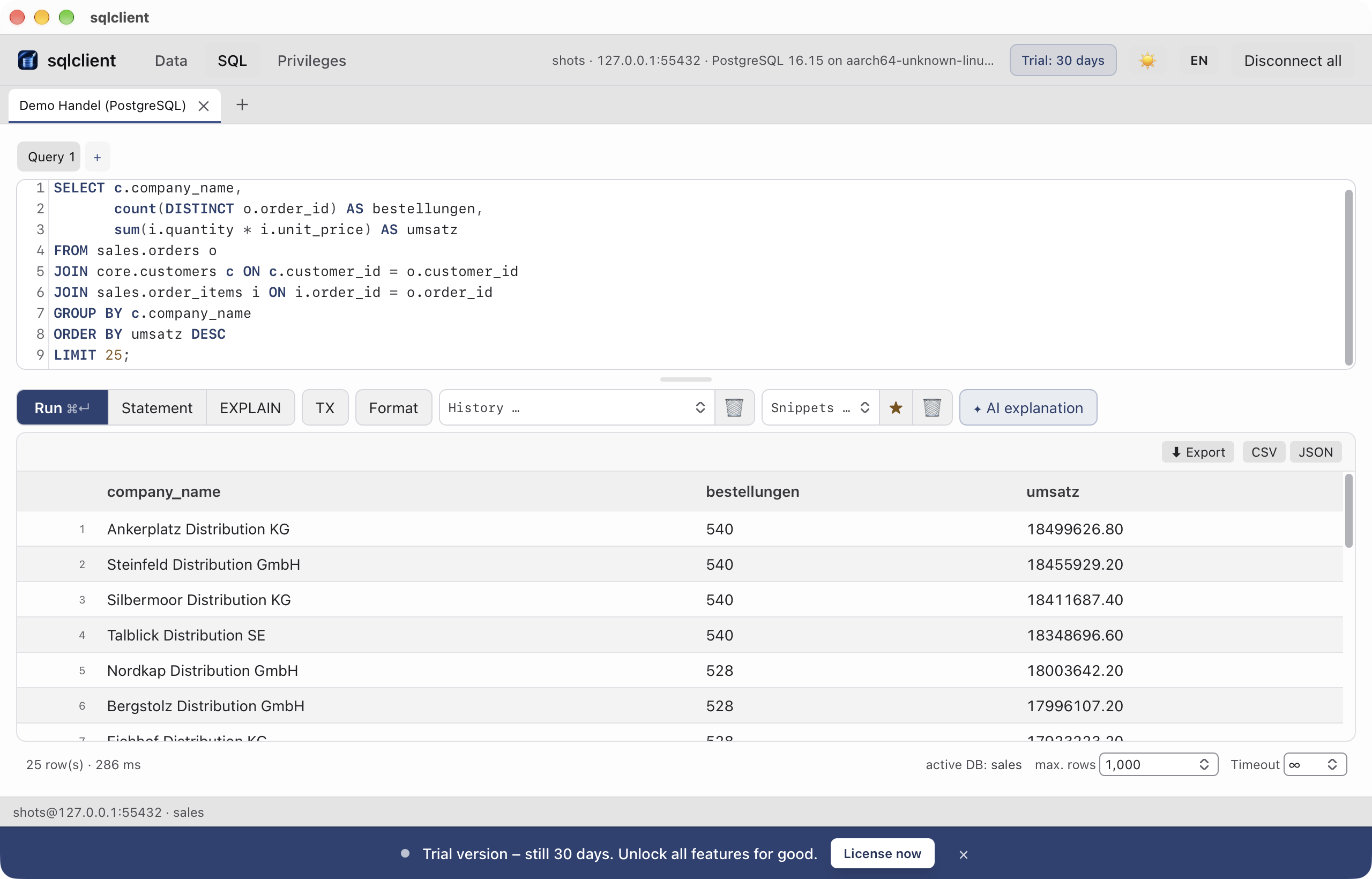
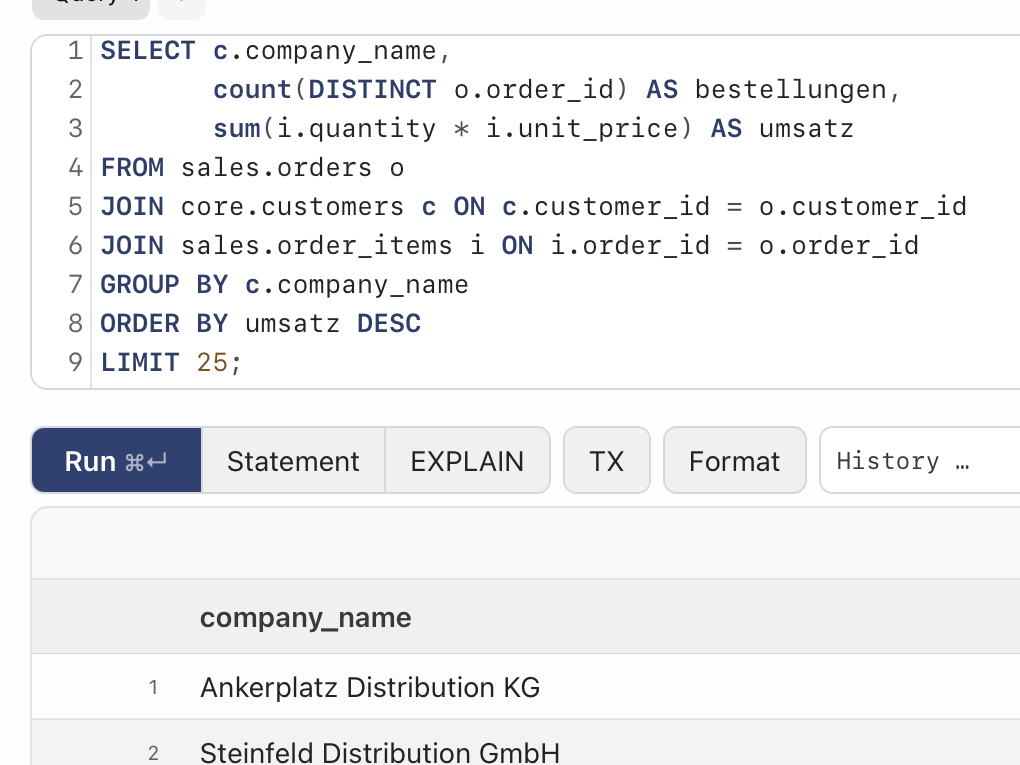
SQL tab: autocompletion for tables and columns, transaction mode, query stop, run only the statement at the cursor. History and snippets stay local.
Data you can touch.
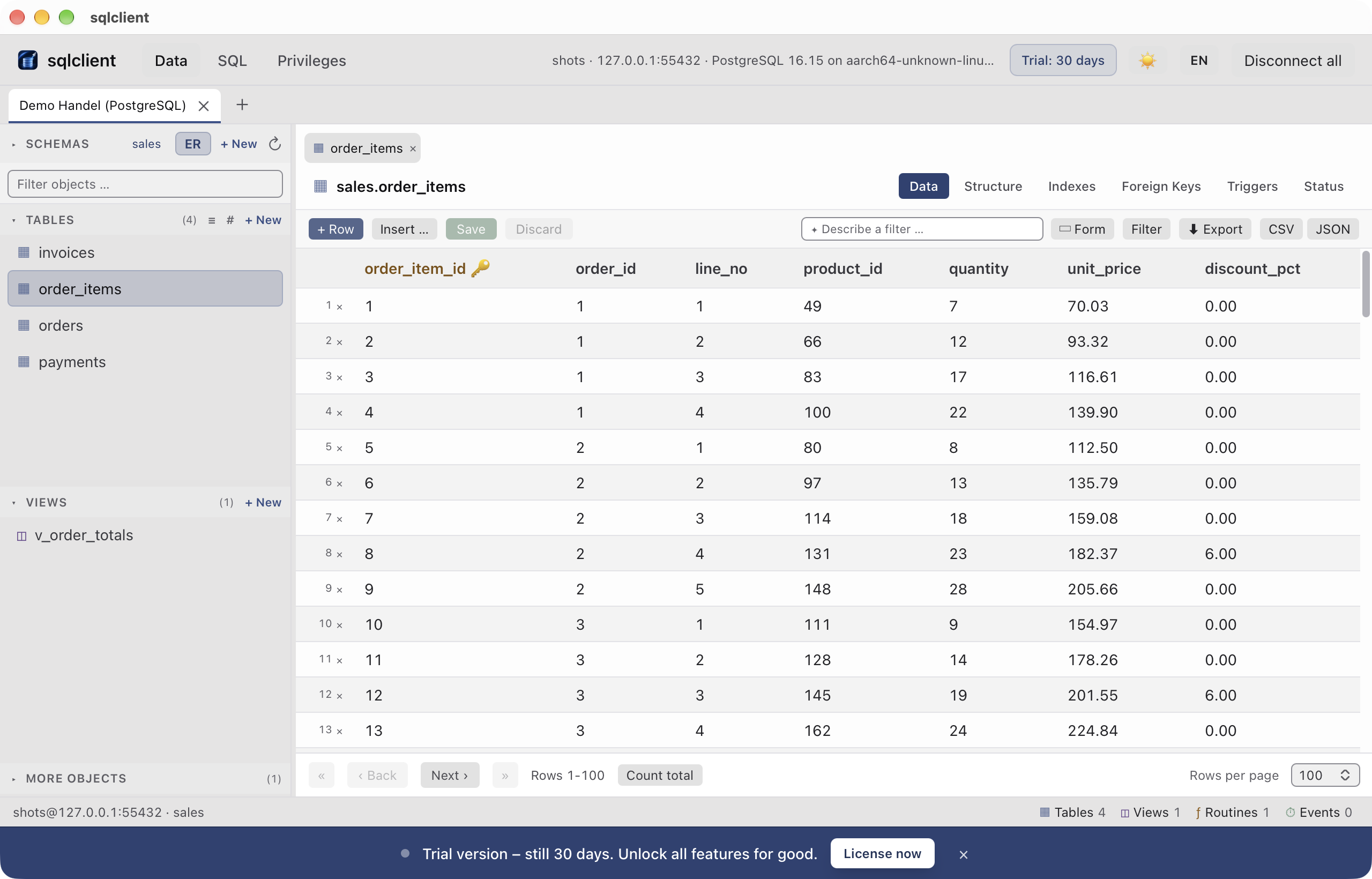
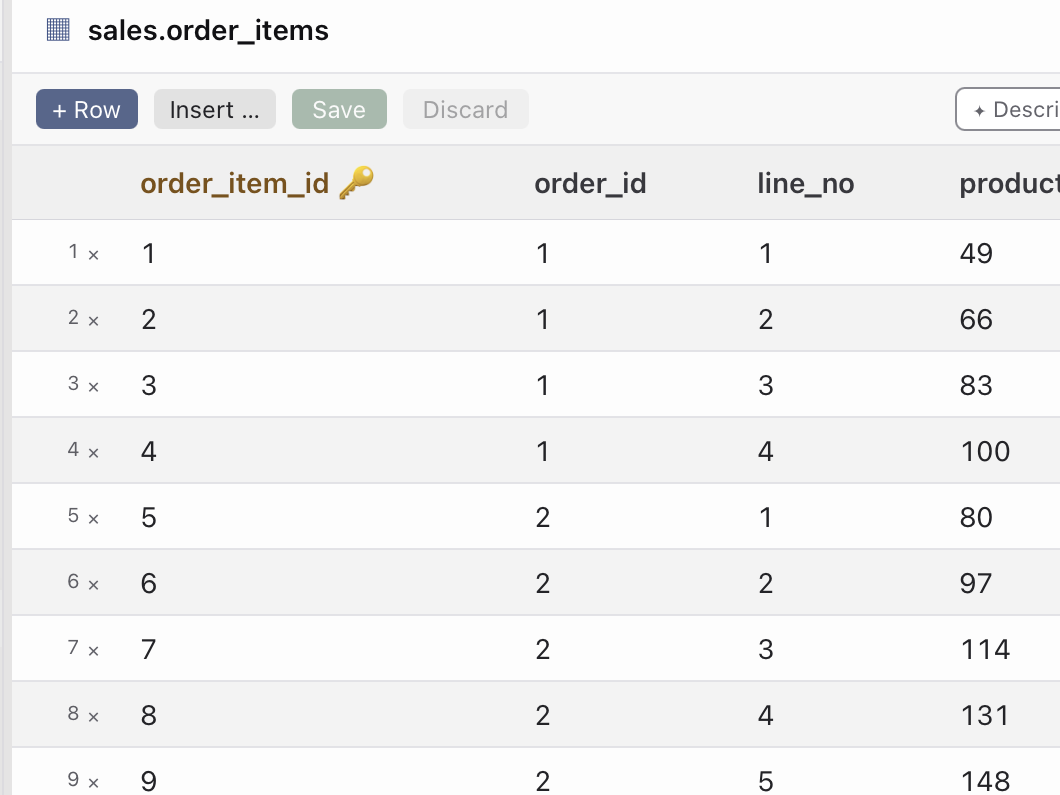
Edit cells and insert rows together in one transaction. Share results as Excel (.xlsx), CSV or JSON. The ER diagram shows tables and their foreign-key relationships. Import, dump and restore handle moving data between databases.
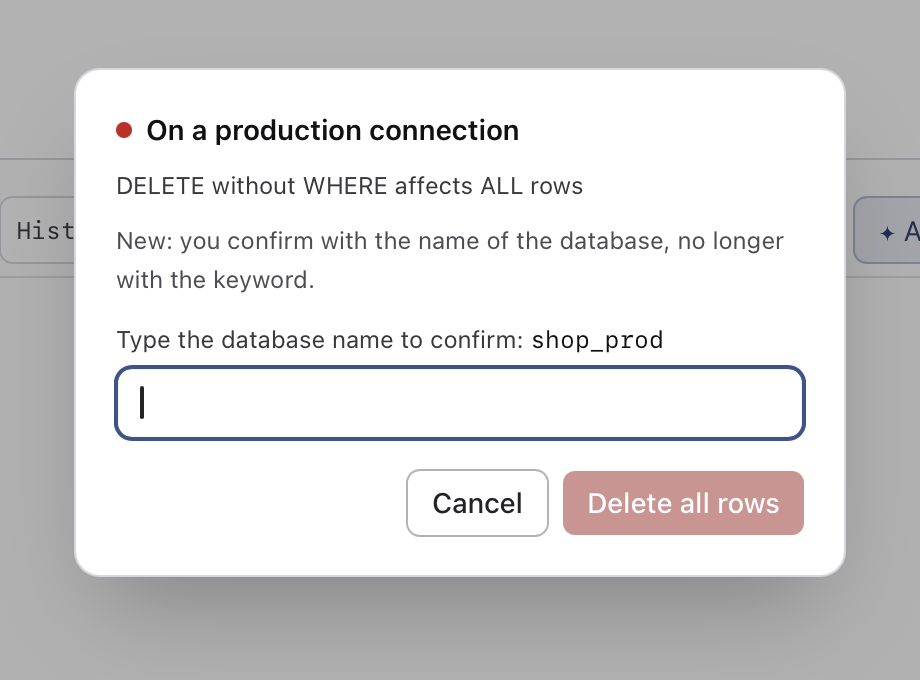
Red means: the app asks first.
DELETE and UPDATE without WHERE require confirmation on every connection. Mark a connection as production to make the app also ask you to type the database name. Production safeguards are included in every plan.
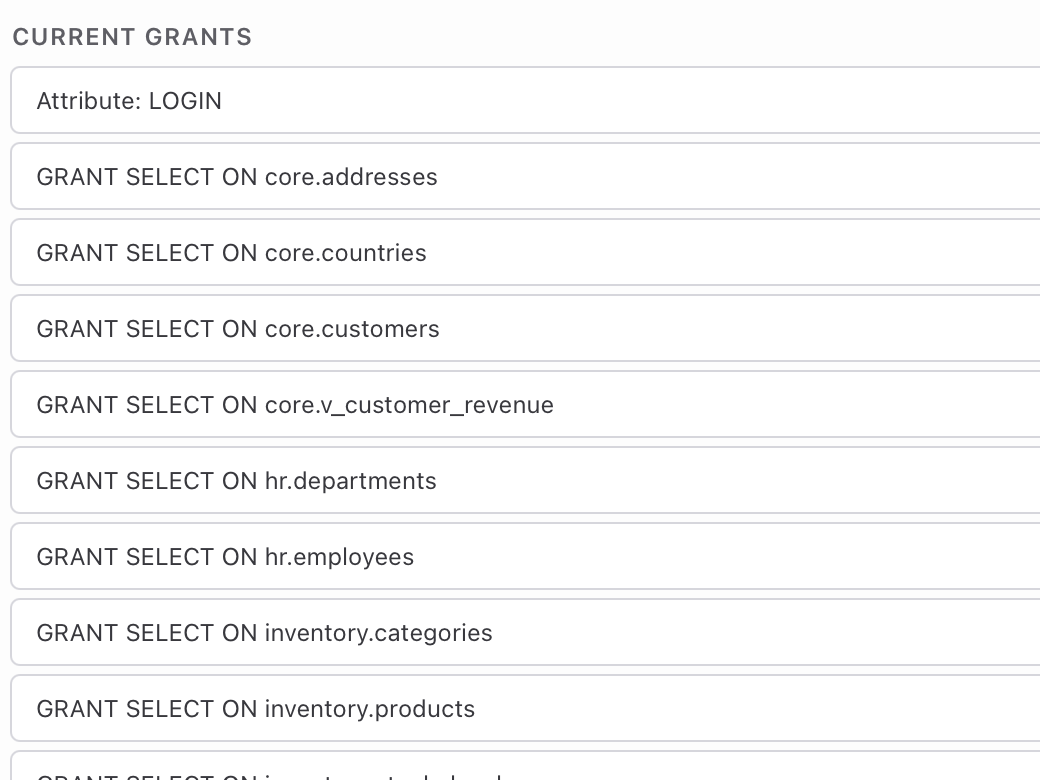
Privileges you can see.
Privileges tab: view, grant and revoke rights per user. Every change is logged locally.

Servers you can watch.
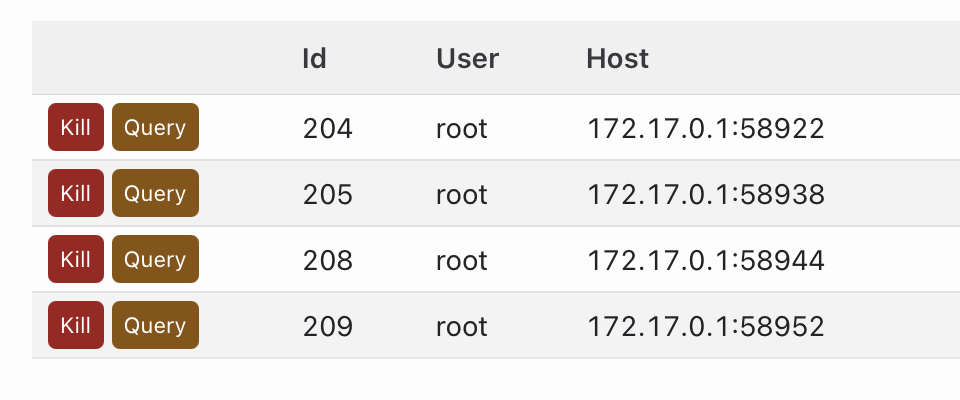
Server tab from the Operate plan: process list, locks, open transactions, without a second program.

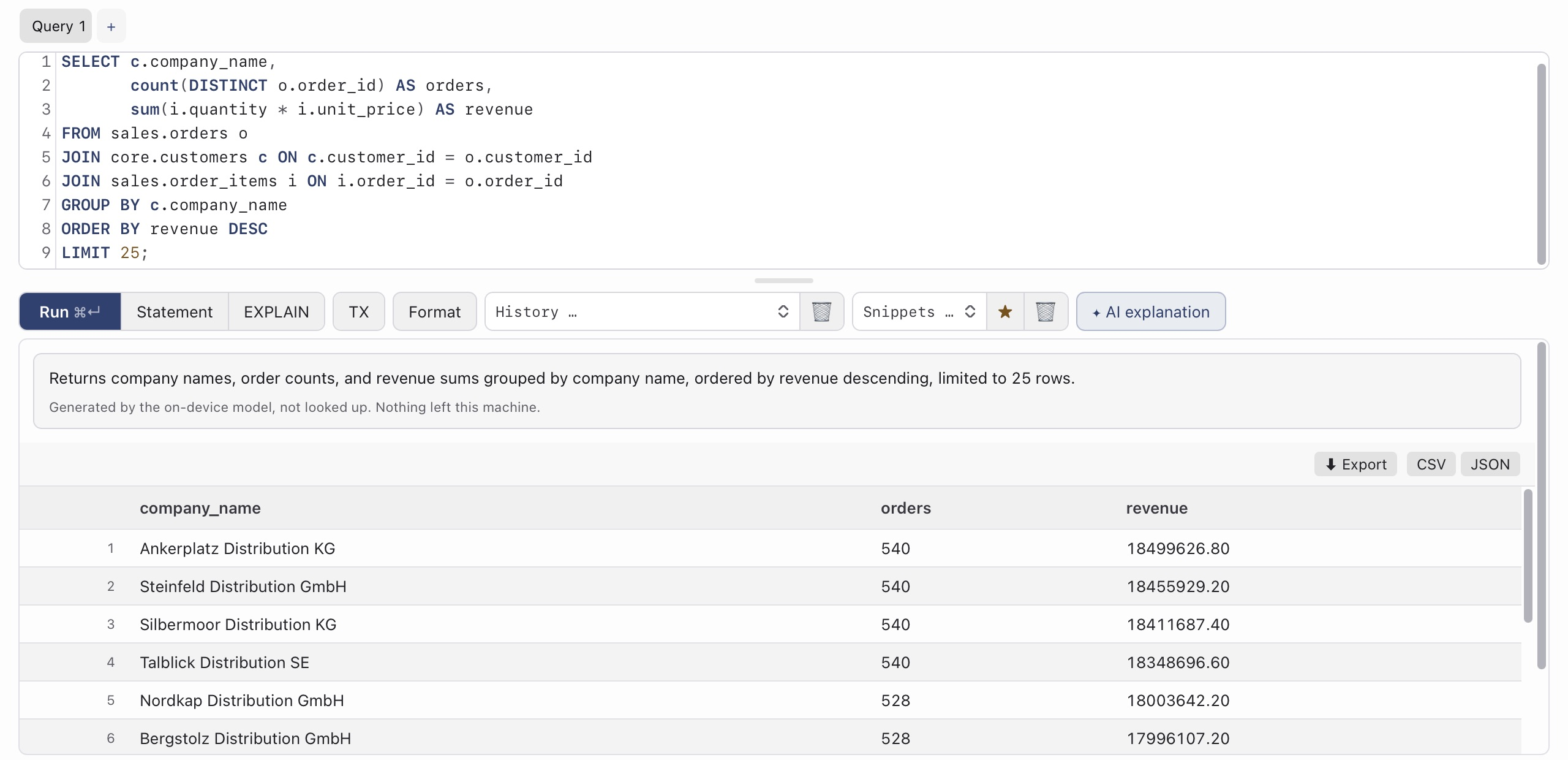
Explains instead of guessing.
Error messages in plain language, queries in words, execution plans with findings, a sentence as a filter. All on Apple’s on-device model; nothing leaves the Mac. Answers from the model are labelled. From macOS 26 on Apple silicon.
Try it today.
30 days of the full version, no credit card. After that you keep reading for free.
sqlclient runs on macOS. Send it to your Mac via AirDrop, Mail or Notes and download it there.
Direct: the last paid version stays writable. App Store: subscription through Apple, ends when you cancel.
Or in the terminal:
curl -fsSL https://dl.sqlclient.eu/sqlclient/install.sh | shWith Homebrew:
brew install --cask datargo/sqlclient/sqlclient